
How it works
Event Host and Venue Operators

Everyone completes the initial onboarding, including
general location and age availability – food; allergies…spicy?
Complete the initial onboarding.
Next – Apply to become a Host.
Hosts would add a venue – see the
This is reviewed by admin to verify identification & concept sharing. Venue Operators are hosts too! After which submit a new venue or claim an existing venue that already is on the site.
Once the Host & Venue details are reviewed and approved,
full access to the Host Dashboard is granted.
Go to the Host Tab and start Creating Gatherings!
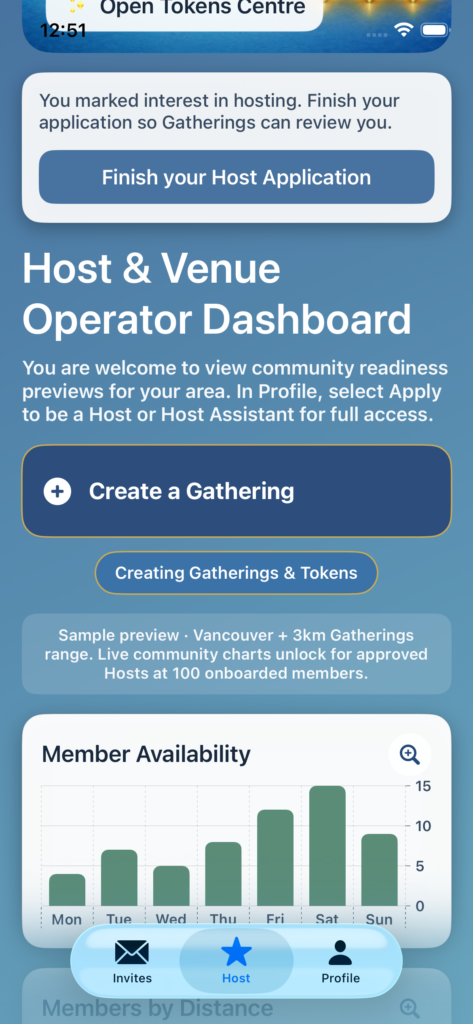
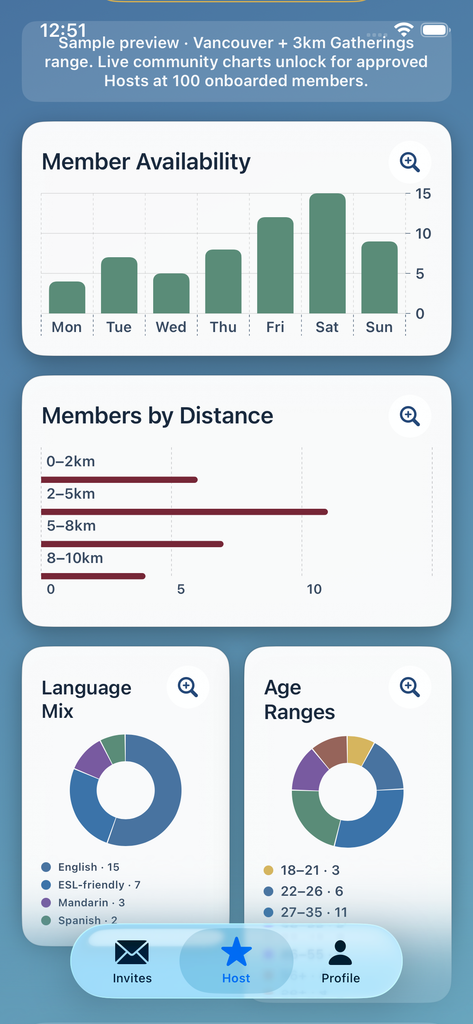
First review the aggregate member data to better know the
community (in your area) potentially ready for your gathering.
Then select Create a Gathering to get started
Start with a descriptive title, date, time & location.
Then, venue selection – upload an image or use a system one for the invitation view. along with parking, accessibility, food; Spice levels and Allergies – dog welcome or not – and so on.
Add estimated costs – payable directly to the venue or host.
Members will see the invitation after you hit send. They can review the details and use their Gathered Tokens to RSVP. Reinforcing that their showing up is valued
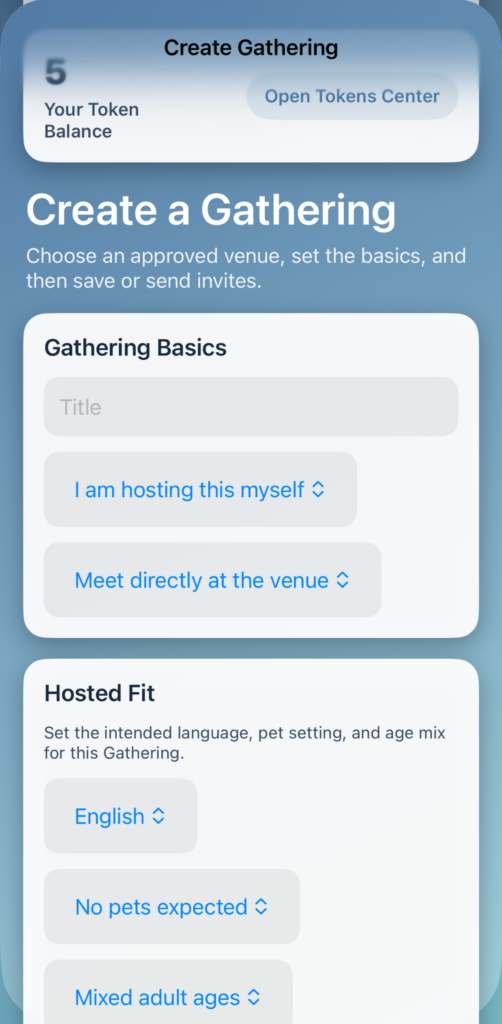
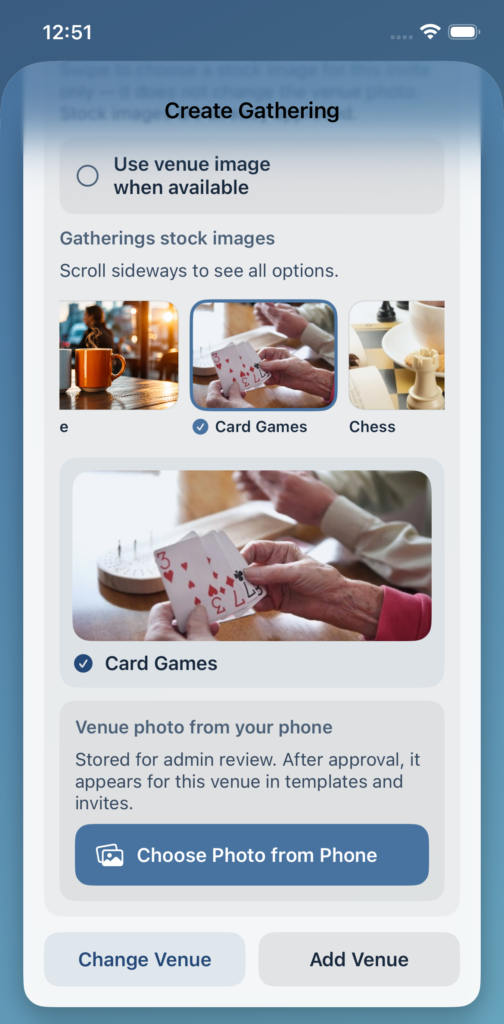
There is so much more inside! For a better peek – Join the App.
There is no cost or obligation at all. Just a wish to do cool things!
Hosts and Venue Operators – navigate to the Profile Tab to apply or add the space.